
A subdomain is a subset of a larger domain within the Domain Name System (DNS). It allows website owners to create distinct web addresses under their main domain, often used to organize and navigate different sections or services of a website. For example, if “example.com” is a domain, a subdomain could be “blog.example.com” or “shop.example.com.”

Each sub domain can have its own unique content and functionality, yet it is still part of the main domain. Sub domains are commonly used for various purposes, such as separating different types of content, creating distinct sections of a website, or hosting specific services, and they are created and managed through the hosting provider’s control panel, such as cPanel.
Table of Contents
Here are the general steps you can follow:
Login to cPanel:
Open your web browser and navigate to your cPanel login page. This is usually accessed by entering your domain followed by “/cpanel” (e.g., http://yourdomain.com/cpanel).
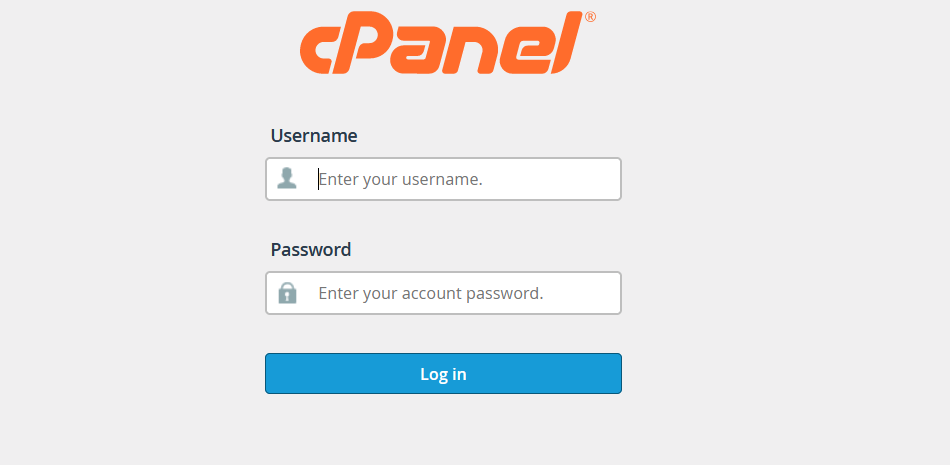
Enter your cPanel username and password to log in.
Locate the “domains” Section:
Once logged in, find the “Domains” section in cPanel. There should be an option called “Sub domains” or something similar.

Create a Subdomain:
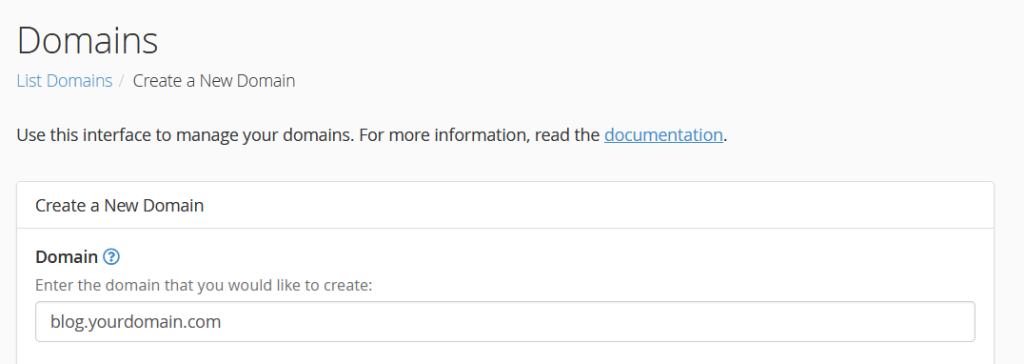
In the domains section, you will see a form to create a new domain. Enter the desired sub domain in the “Sub domain” field. For example, if you want to create “blog.yourdomain.com,” enter in this field.
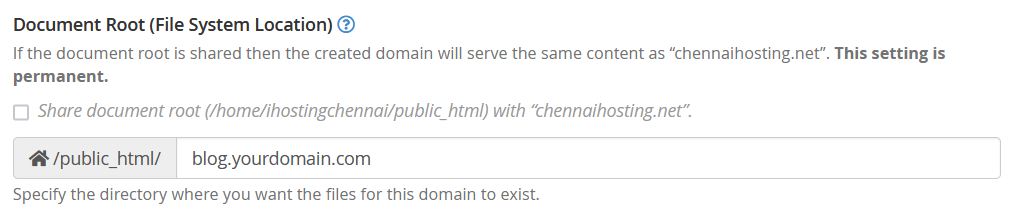
Choose the Document Root:
The “Document Root” field will be automatically filled based on the sub domain you entered. You can leave it as is or choose a different directory where you want the sub domain’s files to be stored.
Verify the Creation:
After clicking “submit,” cPanel will confirm that the sub domain has been created. You should now be able to access your sub domain.

Keep in mind that the exact steps may vary slightly depending on the version of cPanel your hosting provider is using. If you have difficulty finding the Sub domains section or encounter any issues, it’s a good idea to check with your hosting provider’s documentation or support for specific instructions tailored to your cPanel version.


