
Install Control Web Panel CWP involves several steps to ensure a smooth setup. Below is a comprehensive guide to help you through the process:
Table of Contents
Prerequisites
- Supported Operating Systems: CentOS/RHEL 7.x and 8.x, AlmaLinux 8.x, Rocky Linux 8.x.
- Server Requirements:
- Minimal installation of the OS (no control panels like cPanel, Plesk, etc.).
- Minimum 1GB RAM (2GB recommended).
- At least 10GB of free disk space.

Step-by-Step Installation Guide
1. Update the System
First, ensure your server is up-to-date.
sudo yum -y update2. Install wget
Ensure wget is installed as it will be used to download the installation script.
sudo yum -y install wget3. Disable SELinux
Install Control Web Panel CWP requires SELinux to be disabled.
sudo setenforce 0
sudo sed -i 's/SELINUX=enforcing/SELINUX=disabled/' /etc/selinux/config
4. Reboot the Server
Reboot your server to apply the changes.
sudo reboot5. Download and Run the CWP Installer
After the server reboots, log back in and download the CWP installation script and Install Control Web Panel CWP
cd /usr/local/src
sudo wget http://centos-webpanel.com/cwp-el7-latest
sudo sh cwp-el7-latest
6. Install Control Web Panel CWP
The installation script will start and take some time to complete. Follow any on-screen prompts. Once the installation is complete, the script will provide you with the URL to access CWP.
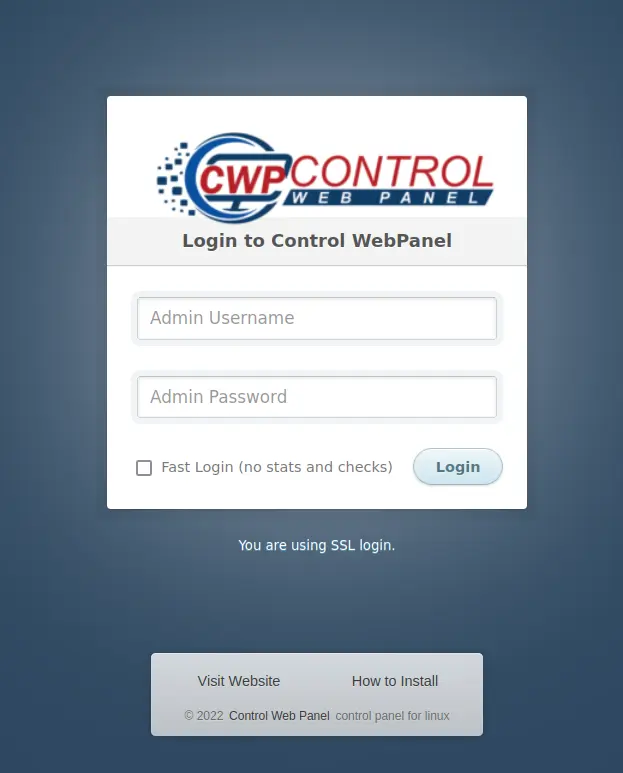
7. Accessing CWP
After the installation, you can access the CWP admin panel using the following URL:
http://<your-server-ip>:2030Log in with the root user and password.
Post-Installation Configuration
- Change Default Passwords: For security reasons, immediately change default passwords for root and other services.
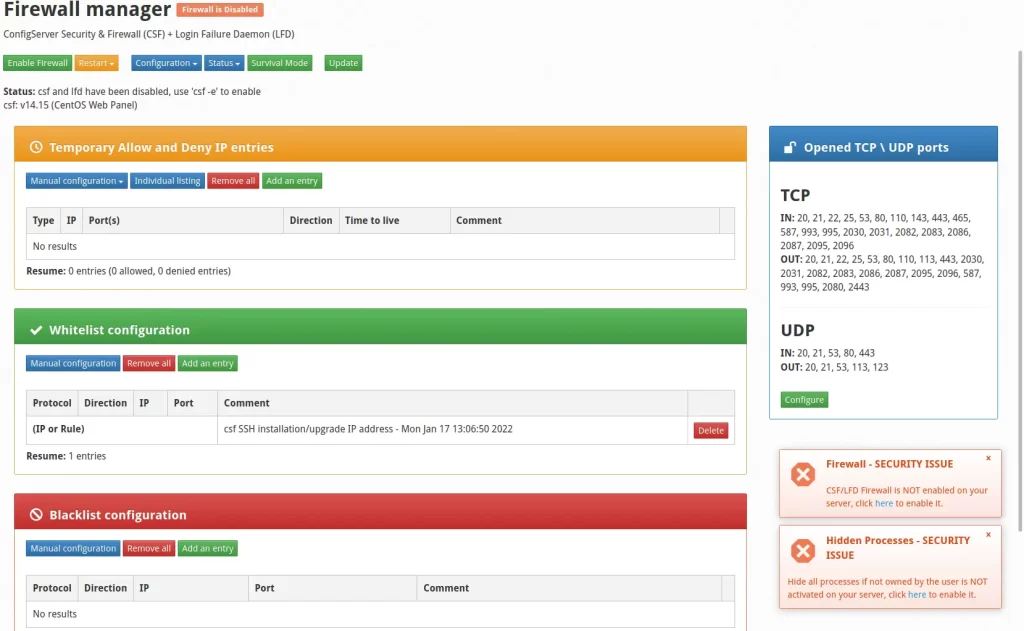
- Configure Firewall: Ensure that the necessary ports (2030 for admin, 2031 for user panel, etc.) are open in your firewall.
- Set Up Services: Configure services like Apache, MySQL, Postfix, and others as per your requirements.
- Backup: Regularly back up your server and configurations.
Troubleshooting Tips
- Login Issues: Ensure the ports are open and accessible. Use
netstat -tulnto check if CWP services are running. - Service Errors: Check the logs located in
/usr/local/cwpsrv/logs/for any issues with services.
By following these steps, you should have Control Web Panel up and running on your server.


