
You can list installed packages on Ubuntu system using several different commands.
Checking installed packages on operating systems like Ubuntu is crucial for effective system management. Listing these packages serves various purposes, including troubleshooting, maintenance, and optimization of your operating system.

Additionally, reviewing these packages allows you to identify and remove any redundant or undesired packages from the system.
Here are a few common methods:
Using dpkg:
For older versions of Ubuntu without the apt package manager, use the dpkg-query command. Dpkg-query usage is similar to apt but doesn’t work with a remote repository.
List Installed Packages on Ubuntu:
sudo dpkg --get-selections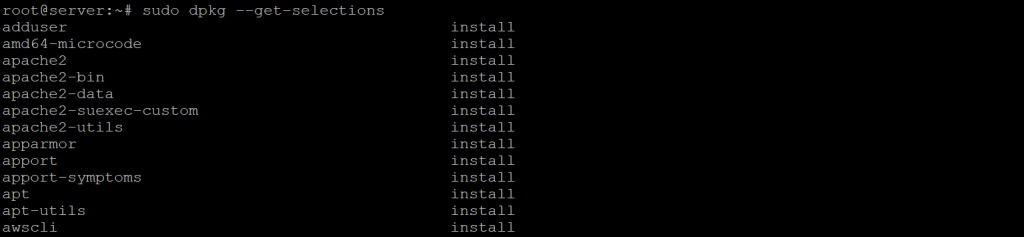
List all installed packages with detailed information:
sudo dpkg -l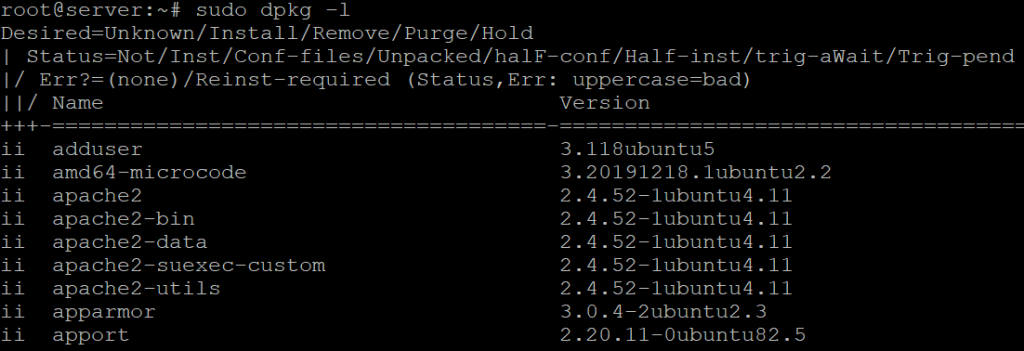
Using apt:
Use the apt list command to show all the available Ubuntu
List all installed packages:
sudo apt list –-installed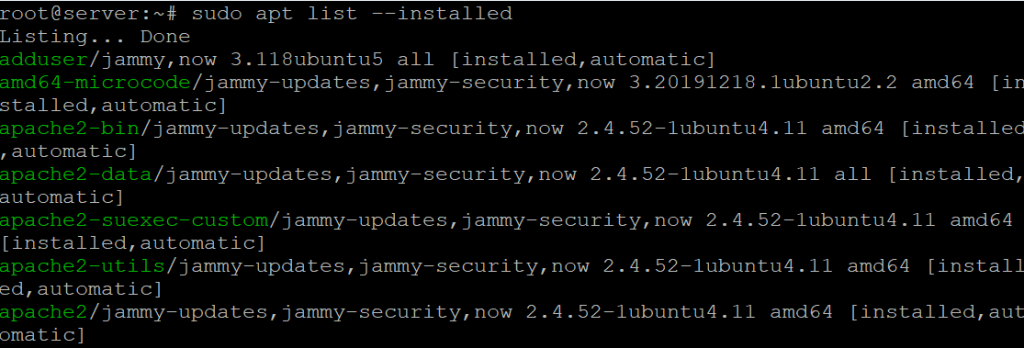
Search for a specific package :
apt list --installed | grep -i <package name>List Installed Snap Packages :
To list installed Snap packages on Ubuntu, you can use the snap command
Run the following command to list all installed Snap packages
snap listThis command will display a list of all Snap packages currently installed on your system, along with their version and publisher details.
These commands provide a comprehensive way to view all the packages currently installed on your Ubuntu system.

